The Best Webflow Analytics Tool: Why Posthog is My Top Choice
Heatmaps, surveys, A/B testing, and product analytics — all in one free tool. Here's why Posthog beats Google Analytics and Webflow Analyze for most Webflow sites.
Nobody cares about analytics. But your business depends on getting the right user insights to make decisions. After a complicated relationship with analytics platforms — costly, disjointed, overwhelming — I found one tool that changes the equation.
Why Posthog Excels for Webflow Analytics
Posthog integrates heatmaps, surveys, and A/B testing into one unified platform. That alone makes it worth evaluating.
Ease of Use
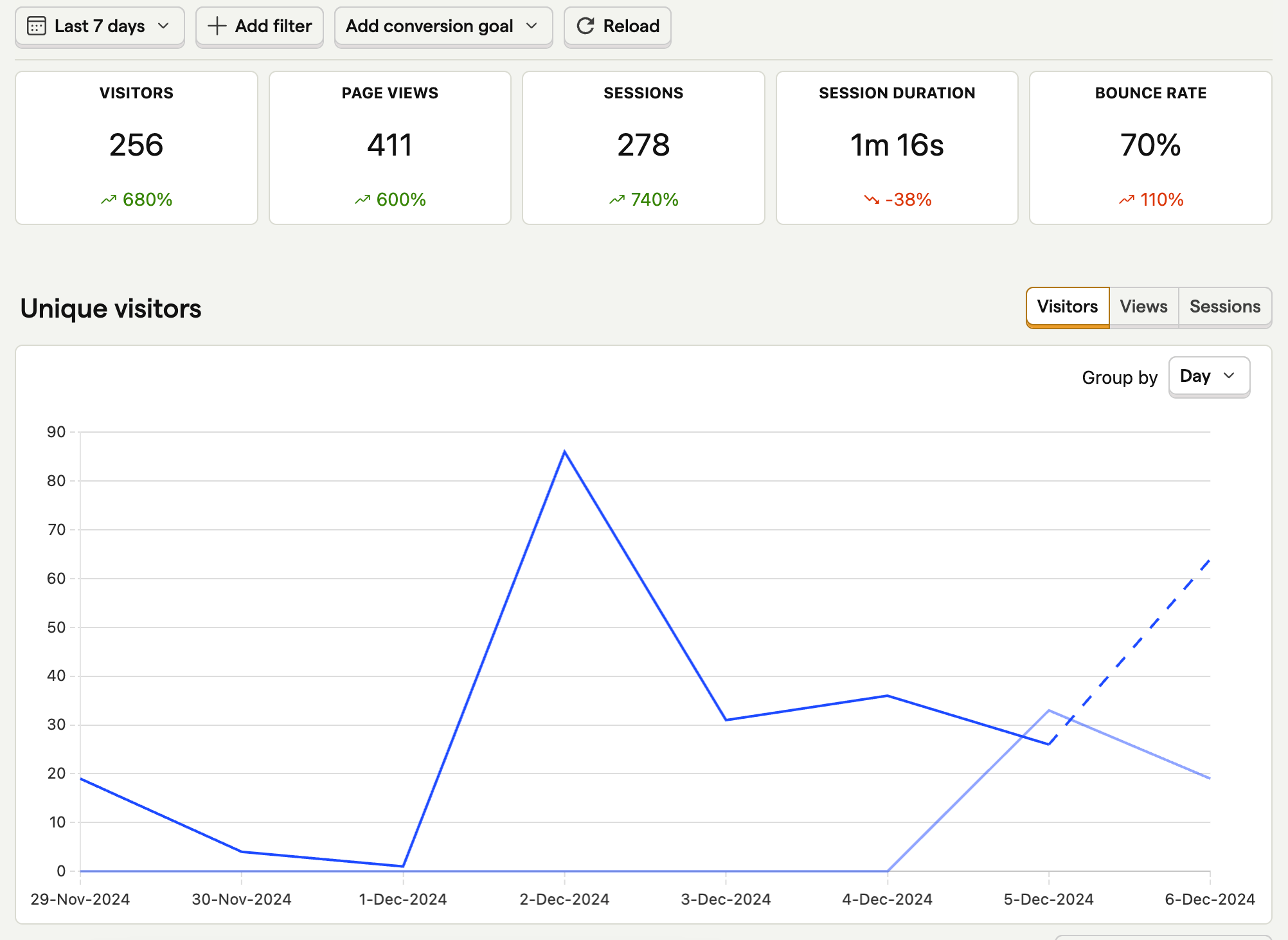
Setup is minimal. Posthog provides ready-made templates for specific use cases including e-commerce and user engagement tracking.
Free Tier
The tool remains free for sites with fewer than 10,000 monthly users (averaging 100 events per user) — accessible for startups and smaller operations.
Unified Insights
Rather than managing separate tools like Hotjar, Typeform, and Google Analytics, you access everything — heatmaps, surveys, A/B testing — in a single interface.
Comprehensive Product Analytics
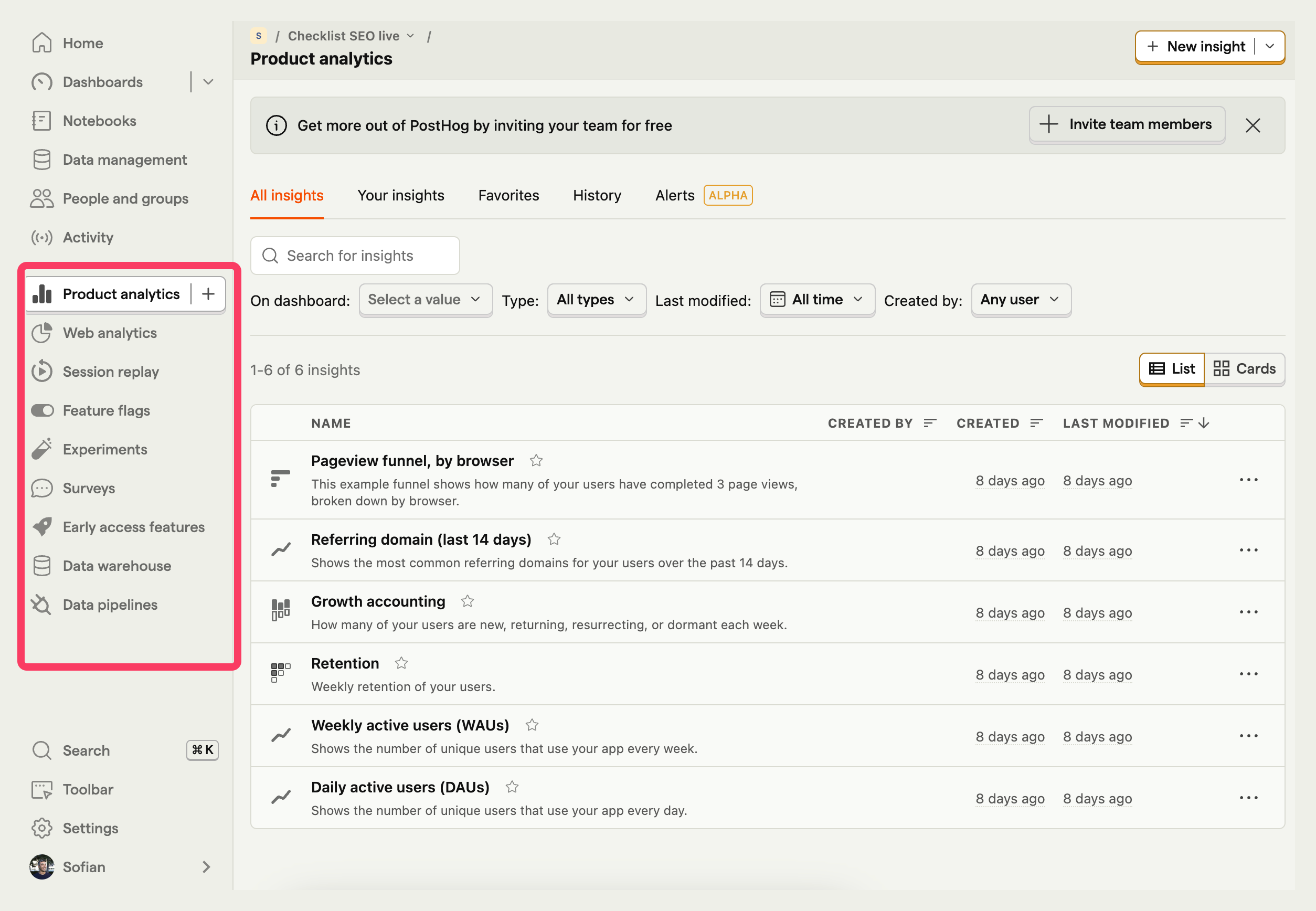
Beyond website tracking, Posthog monitors the entire user journey: from initial discovery through customer advocacy.
Posthog vs. Webflow Analyze
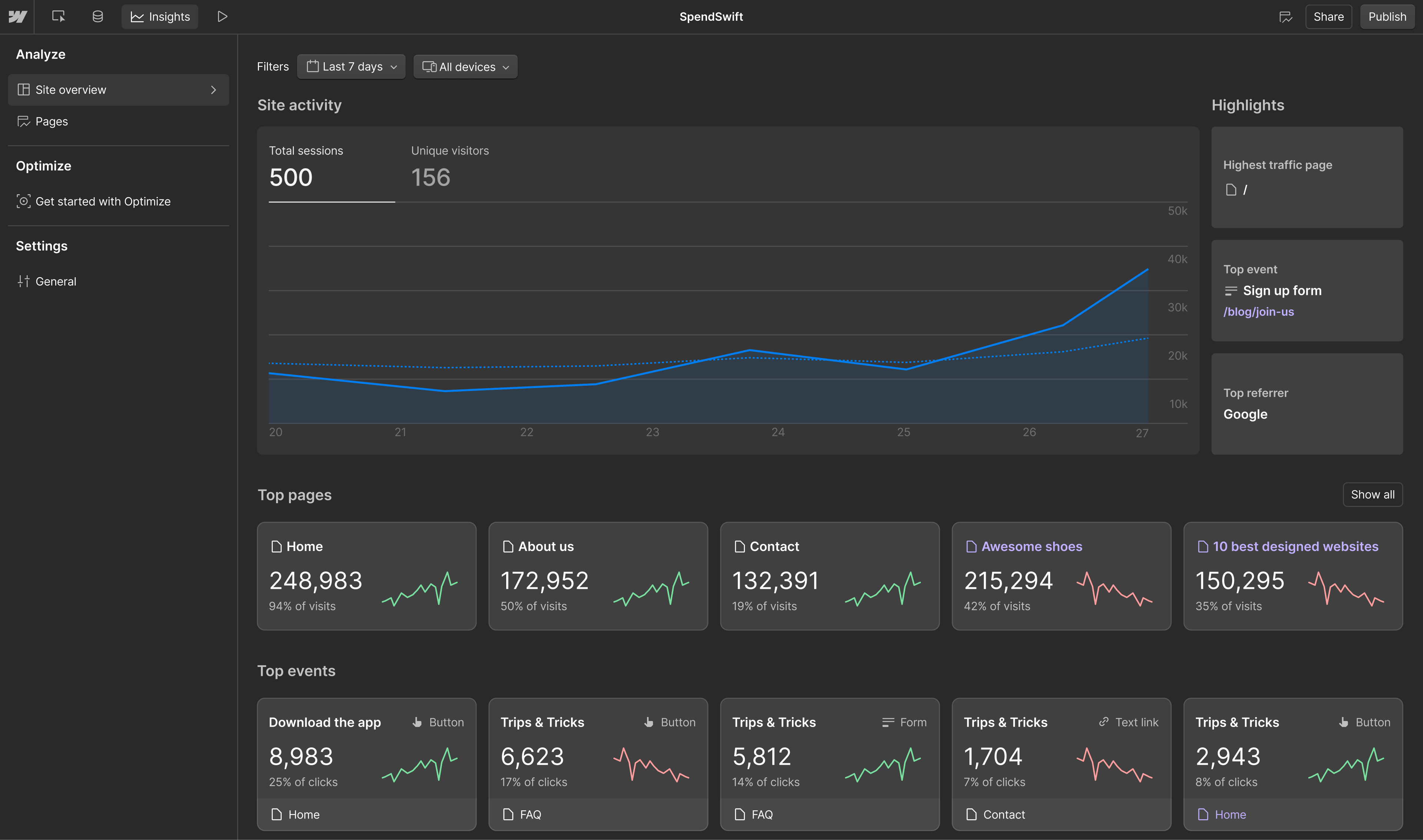
Webflow Analyze suits designers preferring integrated analytics without intermediaries. Its server-side architecture delivers superior accuracy for basic tracking — but it lacks goal-setting functionality and broader marketing stack integration.
Posthog targets marketers needing growth-focused features, integration capabilities, and comprehensive insights — all available free for smaller sites.
Posthog vs. Google Analytics
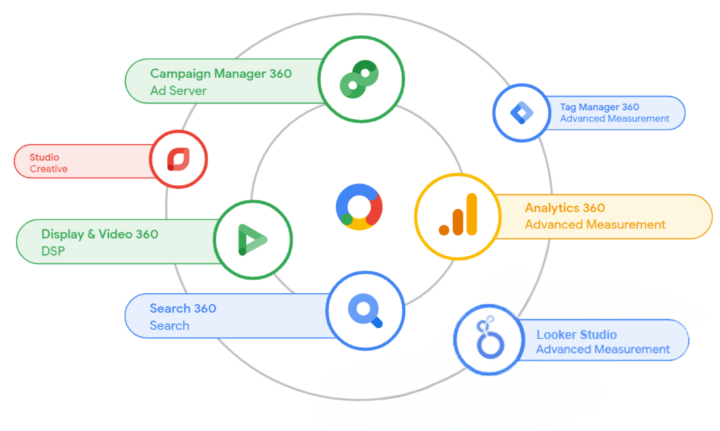
Posthog distinguishes itself through:
- Built-in advanced features (heatmaps, funnels, event tracking) without complex configuration
- Accessible power without the overwhelming complexity typical of Google Analytics
- Scalability matching business growth
That said: if you're already deep in the Google ecosystem, Analytics may be the better fit for seamless integration.
Implementation Guide
Getting started in five steps:
- Create a Posthog account
- Add the tracking script to Webflow project settings (head or body section)
- Select appropriate ready-made templates
- Configure tracked events (clicks, page views, form submissions)
- Use dashboards, heatmaps, and A/B testing for optimization
Conclusion
For marketers on Webflow, Posthog delivers the tools and integrations you actually need — without paying for five separate platforms. Webflow Analyze serves designers who want simplicity. Posthog serves everyone who wants to grow.